The IPTV Smarters Pro app is one of the most popular IPTV players. It allows you to easily stream your IPTV subscription on a Fire TV Stick—even though it’s not available directly on the Amazon App Store. Here’s how to install it manually using an APK file.
Step 1: Prepare Your Fire Stick
- Turn on your Fire TV Stick and go to Settings.
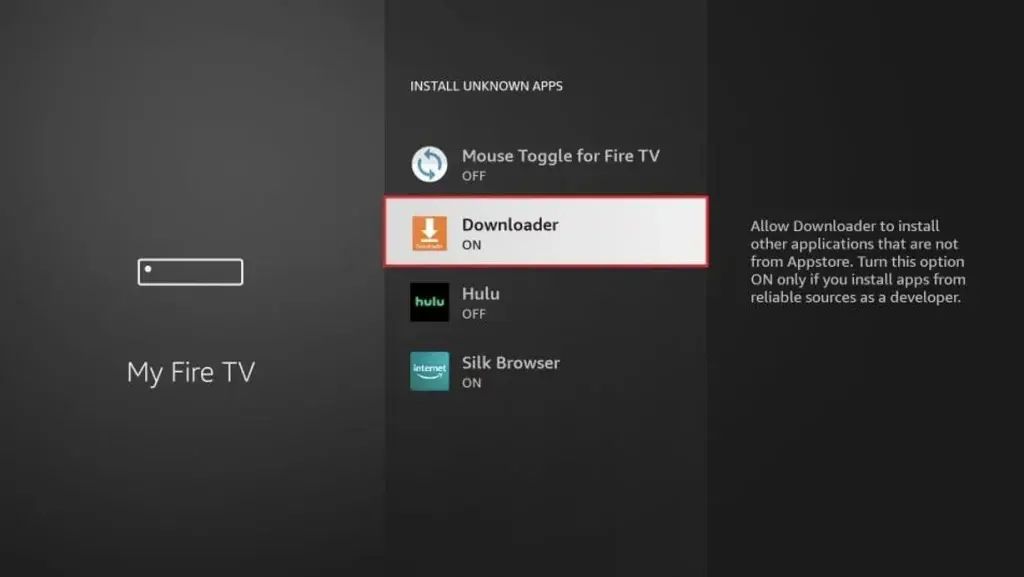
- Select My Fire TV > Developer Options.
- Enable Apps from Unknown Sources.
- Return to the home screen.
Step 2: Install the “Downloader” App
- In the Fire Stick search bar, type Downloader.
- Select the orange icon and install the app.
- Once installed, open Downloader.
- Grant the required permissions.
Step 3: Download the IPTV Smarters Pro APK
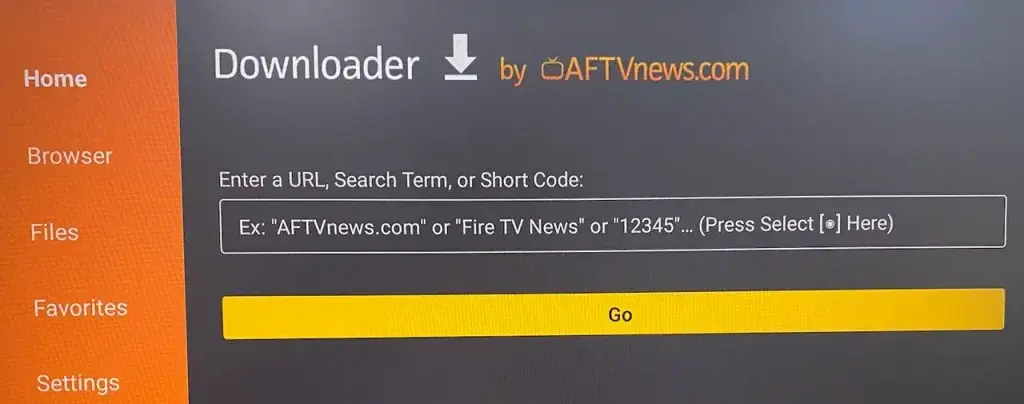
- Dans Downloader, entrez cette URL (ou celle fournie par votre fournisseur IPTV) :
https://www.iptvsmarters.com/smarters.apk - Click Go.
- The APK file will start downloading automatically.
Step 4: Install IPTV Smarters Pro
- Once the download is complete, an installation window will appear.
- Click Installer.
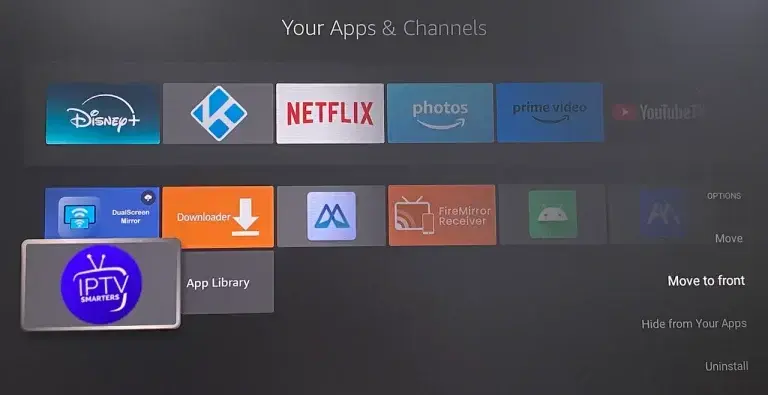
- After installation, click Open to launch the app.
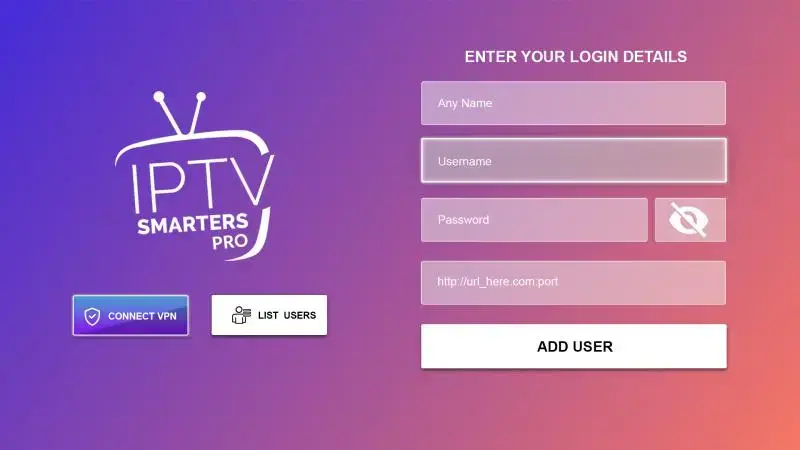
Step 5: Set Up Your IPTV Subscription
- Accept the terms and conditions on first launch.
- Choose your login method :
- URL M3U
- ou Xtream Codes API (serveur + identifiant + mot de passe)
- Enter the details provided by your IPTV provider.
Step 6: Enjoy Your IPTV Channels
The app will automatically load your live channels, movies, and series. You can now browse and enjoy your content.
Need Help ?
We’re here to assist you every step of the way. Contact our support team via our website, e-mail, or WhatsApp if you need help activating or using your service.
Ready to take it to the next level?
Enjoy 15,000+ channels in 4K Ultra HD with our premium service.
View Best Plans