Do you want to make your television more entertaining? Amazon's Fire Stick TV is perfect for that.
This streaming device gives you access to thousands of applications and channels in just a few minutes.
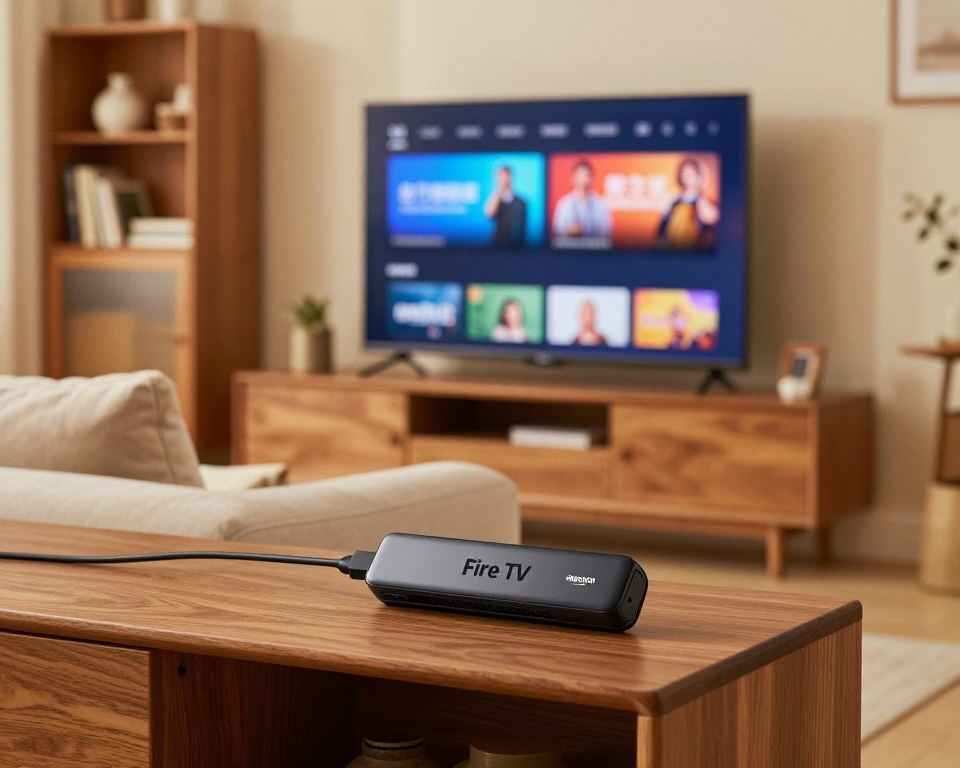
Amazon Fire TV
The Alexa voice remote makes controlling your entertainment easy and convenient.
Key Takeaways
- Access thousands of streaming applications and channels
- Control your experience with the Alexa voice remote
- Transform your television into an intelligent entertainment center
- Enjoy an intuitive home entertainment experience
- Install new content in just a few minutes
1. Transform your television into a smart entertainment center
The Fire Stick TV opens a world of intelligent entertainment on your television. This device gives you access to plenty of content and streaming services.
Access thousands of streaming applications and channels
Choose from thousands of applications and channels to find what you love. Whether it's movies, series or sports, the Fire Stick TV has a lot to offer.
Enjoy your favorite channels like Netflix and Amazon Prime Video on your television.
Discover all the available applications on the official Amazon Fire TV store.
Install your device in just a few minutes
The installation of the Fire Stick TV is easy. Just connect it to your television and follow the instructions to get started.
In a few steps, you will have set up your Fire Stick TV. You will then be able to explore all its possibilities.
Control your experience with the Alexa voice remote
The Alexa voice remote makes managing your entertainment simple. Ask Alexa to find movies or shows for you.
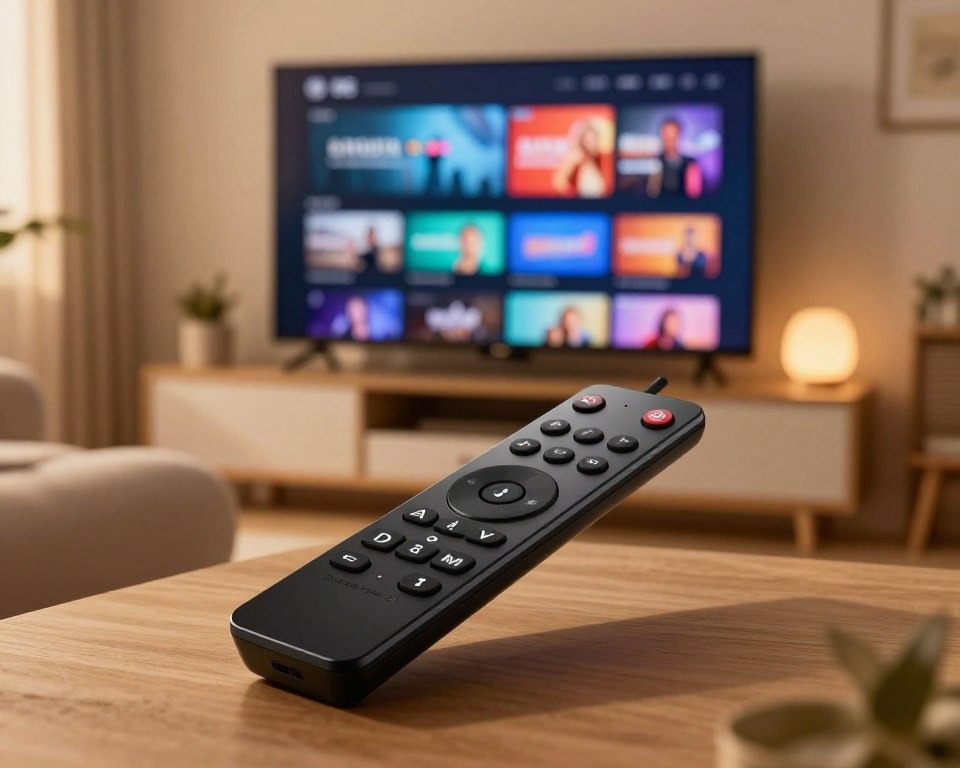
Fire Stick TV Alexa voice remote
With Alexa, also control other smart devices in your home. This creates a complete entertainment experience.
To learn more about voice commands, check out the official Alexa voice commands guide.
2. The advantages of the Fire Stick TV for your daily life
The Fire Stick TV changes your home entertainment. It offers advanced features and is easy to use. Here are the key advantages.
Best Fire Stick TV Applications in 2026
The Fire Stick TV gives access to thousands of applications. Here are the must-haves:
Popular streaming applications
- Netflix: movies and series in 4K HDR
- Amazon Prime Video: exclusive Amazon content
- Disney+: Disney, Marvel, Star Wars universe
- YouTube: unlimited free videos
- Spotify: music streaming
Recommended free applications
- Pluto TV: free live TV channels
- Tubi: free movies and series with ads
- YouTube TV: live television
To go further, discover our complete selection of the best Fire Stick TV applications.
An economical solution for cutting the cord
The Fire Stick TV helps you save on cable costs. Access thousands of streaming applications and channels for less. This allows you to enjoy your favorite content without spending too much.
It also gives you the freedom to choose from many streaming options. This way, you can personalize your entertainment according to your tastes and budget.
Enjoy exceptional image quality
The Fire Stick TV ensures an exceptional image quality. You can enjoy your favorite content with impressive clarity and sharpness. Whether it's movies, shows or games, the visual experience is always top-notch.
- Streaming in Full HD for a clear and sharp image
- Compatibility with advanced streaming technologies
- An immersive and enjoyable visual experience
Check your internet speed with Speedtest to enjoy 4K streaming (minimum 25 Mbps required).
Take your entertainment everywhere with you
With the Fire Stick TV, you are not limited to your living room. You can take your entertainment everywhere with you. Whether you are traveling, at a friend's place or on vacation, simply plug the Fire Stick TV into a compatible television to enjoy your favorite content.
In short, the Fire Stick TV is a complete and flexible entertainment solution. It allows you to enjoy your favorite content wherever you are. You benefit from exceptional image quality and an economical option for cutting the cord.
Problèmes Courants et Solutions
Fire Stick TV not connecting to WiFi
If your Fire Stick TV won't connect to WiFi, restart your router and your Fire Stick. Make sure you are entering the correct WiFi password.
Buffering and slowness issues
Buffering on your Fire Stick often comes from a too slow internet connection. Test your speed with Speedtest and aim for a minimum of 25 Mbps for HD streaming.
Fire Stick remote not responding
Replace the batteries in your Alexa remote. If the problem persists, reset it by holding the Home + Menu + Back buttons for 10 seconds.
3. Conclusion
The Fire Stick TV opens a world of endless entertainment. With thousands of streaming applications and channels, you create your own experience. It's perfect for personalizing your entertainment at home.
The installation is simple and the Alexa voice remote makes everything easy. You enjoy top image quality without the hassle of cables. Whether it's for cutting the cord or taking entertainment on the go, the Fire Stick TV is the best option.
In conclusion, the Fire Stick TV is an excellent choice to enrich your entertainment. It offers a complete and practical solution for all your streaming needs.
FAQ
What is the Fire Stick TV and how does it work?
The Fire Stick TV transforms your television into an entertainment center. It connects to your TV through an HDMI port. You access thousands of streaming applications and channels.
Comment installer ?
Installing the Fire Stick TV is easy. You just need to plug it into your TV, follow the instructions and set up your Amazon account.
What are the advantages of the Fire Stick TV compared to other streaming devices?
The Fire Stick TV has many advantages. It offers access to thousands of applications and channels. It is easy to install and has an Alexa voice remote.
Can I use the Fire Stick TV to cut the cord?
Yes, the Fire Stick TV is a good option for cutting the cord. It allows you to access many streaming contents without a traditional subscription.
Quelle est la qualité d’image ?
The Fire Stick TV offers impressive image quality. You can enjoy your favorite content in HD or 4K, depending on your television.
Can I take the Fire Stick TV with me when traveling?
Yes, the Fire Stick TV is portable. You can take it with you when traveling. Make sure you have a stable internet connection to watch your favorite content.
Table of content
Ready to take it to the next level?
Enjoy 15,000+ channels in 4K Ultra HD with our premium service.
View Best Plans