If your IPTV Québec HD box is no longer working properly, you are not alone. Thousands of IPTV subscribers in Quebec encounter similar problems every day. This comprehensive troubleshooting guide explains how to repair your IPTV quickly, whether you are experiencing buffering, black screen, or connection issues.
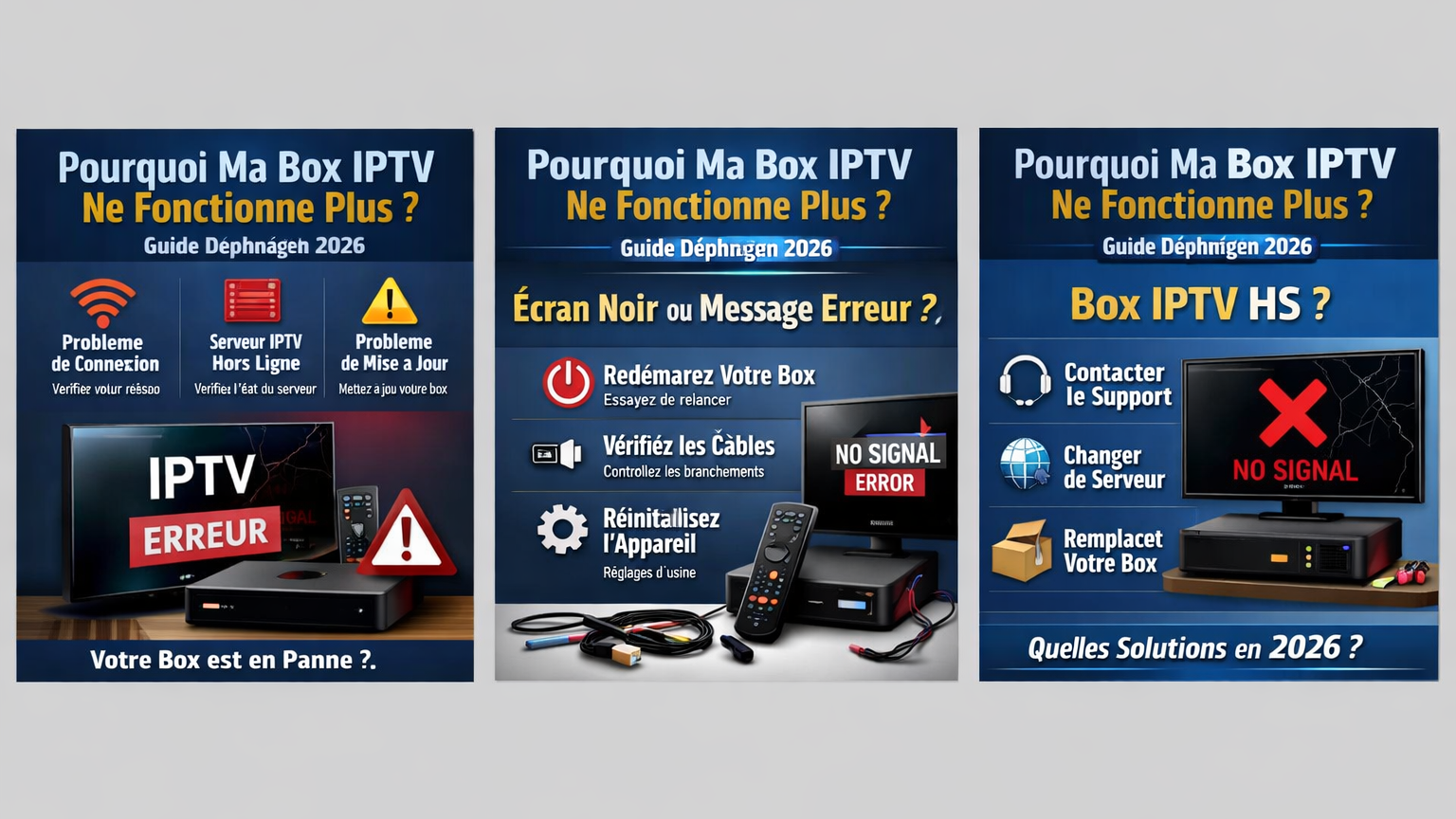
Common IPTV Box Problems in Quebec
When your IPTV box stops working, it can be very frustrating, especially when you want to watch your favorite channels in HD. The most common problems include buffering, connection issues, black screens, application crashes, and authentication errors. Understanding these problems is the first step to resolving them quickly and enjoying your IPTV Québec HD without interruption.
Before panicking, know that the majority of IPTV problems are caused by one of these three reasons: an unstable Internet connection, an expired subscription, or a temporary server-side issue. Let's see how to diagnose and repair your IPTV step by step.
Buffering and Freezing Issues
Buffering is one of the most frequent complaints among IPTV Québec HD users. This generally occurs due to insufficient Internet speed, network congestion, or server issues.
How to fix IPTV buffering:
- Check your Internet speed (minimum 25 Mbps for HD, 50 Mbps for 4K)
- Use a wired Ethernet connection rather than WiFi
- Restart your IPTV box and your router (unplug for 30 seconds)
- Clear the cache and data of the IPTV application
- Choose a server closer to your region in Quebec
- Avoid peak hours (6 PM–10 PM) when servers are overloaded
If buffering persists even with a good connection, the problem likely comes from your IPTV provider's server. Contact them to report the issue or ask for an alternative server.
Connection and Network Issues
If your IPTV box cannot connect, here is how to diagnose the problem quickly. First check that your Internet is working on other devices such as your phone or computer.
Solutions for connection issues:
- Check your WiFi password
- Make sure the Ethernet cable is properly plugged in
- Restart your IPTV box and your router once a week
- Change the DNS settings to Google DNS (8.8.8.8) or Cloudflare (1.1.1.1)
- Temporarily disable your VPN if it is active
- Check that your provider has not blocked IPTV (some Quebec ISPs limit this type of traffic)
Solutions for Black Screen
A black screen on your IPTV box generally indicates a video output issue or a settings conflict. This is one of the most common problems reported by IPTV Québec HD users.
How to fix the black screen:
- Check your HDMI cable and try a different cable
- Plug it into a different HDMI port on your television
- Check that the resolution settings match your TV's capabilities (1080p or 4K)
- Make sure your TV is set to the correct input source (HDMI 1, HDMI 2, etc.)
- Reset the display settings of your IPTV box
Application Crashes and Authentication Errors
Repeated crashes of your IPTV Québec application or authentication errors are often linked to corrupted data or an expired subscription.
How to resolve crashes and errors:
- Clear the data and cache of the IPTV application
- Uninstall and reinstall the application
- Confirm that your IPTV subscription is active and not expired
- Confirm your credentials (username, password, server URL) with your provider
- Make sure your application is up to date with the latest available version
Quebec HD Channels That Are Not Working
If certain specific IPTV Québec HD channels are not working while others are working fine, the problem is almost always on the server side. Here is what to do:
- Report the defective channels to your IPTV provider2/2
- Check if there is an alternative channel list (M3U or Xtream) provided by your subscription
- Some Quebec channels may be subject to regional restrictions or temporary maintenance
- Try refreshing the channel list in your application settings
Quick Fix Checklist
If your IPTV box is not working, follow this checklist in order:
- Restart your IPTV box and your router (unplug for 30 seconds)
- Check your Internet connection speed (minimum 25 Mbps)
- Confirm that your IPTV subscription is active and not expired
- Clear the cache and data of the IPTV application
- Update the IPTV application to the latest version
- Check for firmware updates on your device
- Change the DNS to 8.8.8.8 (Google) or 1.1.1.1 (Cloudflare)
- Use an Ethernet connection instead of WiFi
- Contact your IPTV provider if problems persist
Preventing Future IPTV Issues
To prevent your IPTV Québec HD from breaking down again, here are some good practices:
- Keep your application and your box's firmware up to date
- Restart your IPTV box and your router once a week
- Opt for a wired Ethernet connection rather than WiFi
- Choose an Internet package of at least 50 Mbps for an optimal HD experience
- Avoid using free VPNs that can slow down your connection
Si votre service IPTV rencontre des problèmes ou si votre box ne fonctionne plus correctement, il peut être temps de vérifier votre abonnement ou d’opter pour une solution plus fiable. Avec un service IPTV stable et de qualité, vous pouvez profiter de milliers de chaînes HD, films et séries sans interruption. Pour découvrir les offres disponibles, consultez notre page Subscriptions et choisissez la formule adaptée à vos besoins. Si vous avez des questions ou si vous souhaitez une assistance rapide, vous pouvez également nous contacter directement sur WhatsApp afin d’obtenir de l’aide ou des informations supplémentaires.
Why does my IPTV Québec HD constantly buffer?
Buffering on your IPTV Québec HD is generally caused by insufficient Internet speed (less than 25 Mbps), network congestion, or server overload. Try using a wired Ethernet connection, upgrading your Internet package, or temporarily switching to a lower stream quality. If the problem only occurs during peak hours, it is your provider's server that is overloaded.
How do I reset my IPTV box?
The simplest way to reset your IPTV box is to unplug the power cord for 30 seconds, then plug it back in. For a full factory reset, access the Settings menu of your device and look for the "Reset" option. Note that this will erase all your applications and configurations.
Why are some Quebec HD channels not working?
Issues with individual channels on your IPTV Québec are generally related to your provider's server. Report the problem to your provider by specifying the names of the affected channels. This can also be a temporary regional restriction or planned maintenance of the channels in question.
My IPTV stopped working after an update, what should I do?
If your IPTV box stops working after an update, uninstall the application and reinstall the latest stable version from your provider's official website. If the problem persists, resetting the application settings or rolling back to a previous version can resolve the issue.
What Internet speed is needed to watch HD IPTV in Quebec?
To enjoy your IPTV Québec HD without interruption, you need a minimum of 25 Mbps for HD and 50 Mbps for 4K. Ideally, opt for a fiber optic connection with a speed of 100 Mbps or more, especially if multiple devices are using your network simultaneously.
Ready to take it to the next level?
Enjoy 15,000+ channels in 4K Ultra HD with our premium service.
View Best Plans