
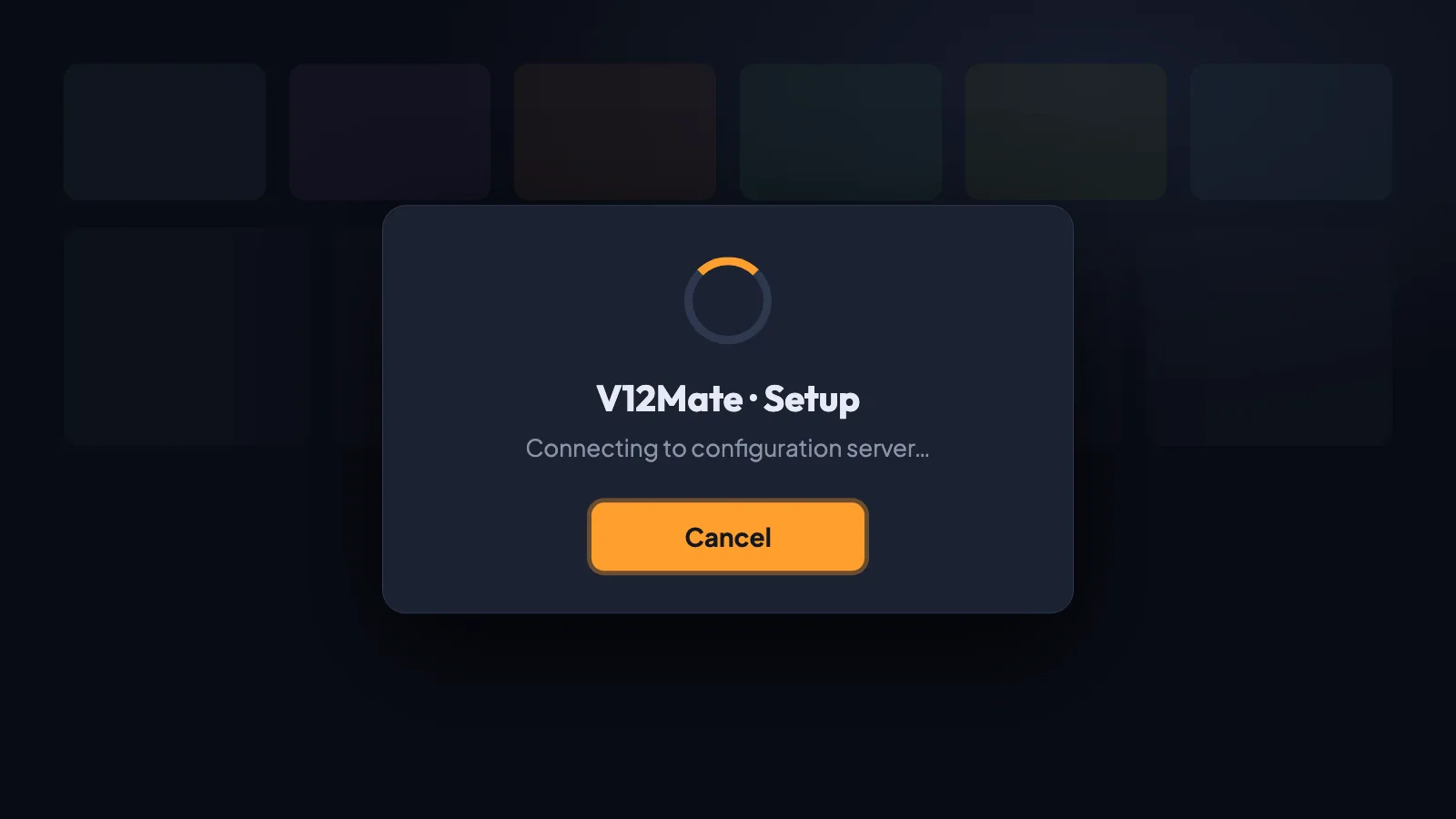
You install V12Mate on your Fire TV Stick, open it, and instead of the login screen you get a setup window with a single “Cancel” button. Pressing it closes the app; reopening it brings the same window back. This screen is not a bug in your TV: it means the app cannot reach its provider’s setup server from your network. Below is what happens behind that screen, the checks that genuinely help, and what to do if nothing changes.
What V12Mate is (and who can use it)
V12Mate is the player distributed with V12-OTT subscriptions, which several Canadian resellers bundle “free with your plan”. According to its publisher, it only accepts a V12 username and password — there is no field for another provider’s server. That design is convenient when everything works, but it also means the app depends entirely on one setup server: when that server cannot be reached, you are stuck at the first screen.
Why only the “Cancel” button appears
Setup server unreachable
The most common cause. The server is down, overloaded, or cannot be reached from your internet connection.
Wrong date or time
If the Fire TV clock is off, secure connections to the server fail and the setup never loads.
Corrupted first launch
An interrupted first start can leave broken app data that brings the same empty screen back every time.
6 safe checks, in order
Restart the Fire TV Stick and the router
Unplug both for 30 seconds, then plug the router back first and wait until the internet light is stable before starting the Fire TV Stick. This clears most temporary connection problems.
Check the date and time
Settings › Preferences › Date & Time: turn automatic time on and set the correct time zone (America/Toronto for Quebec and Ontario). A wrong clock breaks secure connections.
Test another network
Connect the Fire TV Stick to your phone’s hotspot for a quick test. If the setup loads there, your home network is the problem; if it still shows “Cancel”, the server itself is unreachable.
Clear the app data
Settings › Applications › Manage installed applications › V12Mate › Clear cache, then Clear data. The app restarts as if newly installed.
Reinstall the latest version
Uninstall V12Mate and install the current version from the source your provider gives you. Old versions sometimes point to a retired setup address.
Contact your V12 provider
If none of the above works, the setup server is down or unreachable from your network. Only the provider can fix that — ask them whether there is an outage or a new setup address.
About the “use a VPN” workaround
Some guides suggest connecting a VPN to another country to get past this screen. We do not recommend it. A VPN does not repair anything: it only routes around the fact that the provider’s server is unreachable from your network, it adds latency to every channel you watch, and the problem comes back as soon as the VPN is off. A service you pay for should work on your normal Canadian connection.
The alternative: a standard player with an Xtream login
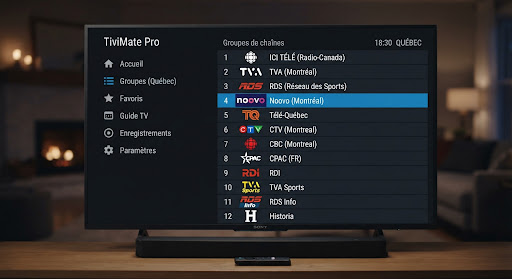
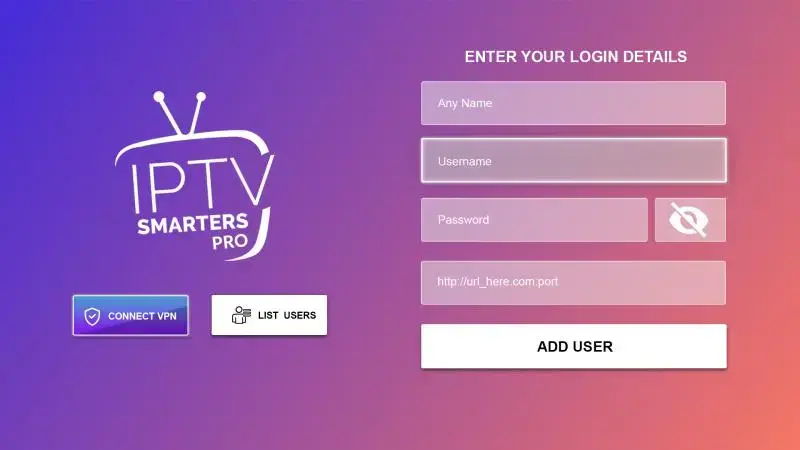
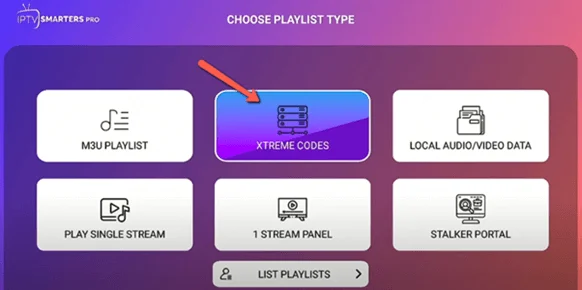
Players like TiviMate, IPTV Smarters Pro and IBO Player do not depend on a proprietary setup server: you type the server URL, username and password from your subscription and the channels load directly. If your provider stops working, you simply enter another provider’s login — your player and your favourites stay.
- TiviMate guide: install, playlist, EPG and favourites
- IPTV Smarters Pro guide: Fire TV, Android, Samsung, iPhone
- Set up IPTV on a Firestick in 2026
- Modified IPTV apps: check where an app comes from before entering your login details
Want to compare on your own TV? Our 24-hour trial for $2.99 gives you a real Xtream login to test in TiviMate or Smarters, and the plans start at $15 a month with no auto-renewal.
In summary
The V12Mate “Cancel” screen means the app cannot reach its setup server. Restart your devices, fix the date and time, test another network, clear the app data and reinstall — and if it persists, the provider has to act. If you would rather not depend on one setup server, a standard player with an Xtream Codes login keeps you in control.